
Dane County Court Calendars Explained
No single list holds every Dane County setting. The Dane Judges page links each circuit branch's current weekly calendar. It also lists the judge's room and phone. For case event history, WCCA is the public source. The Wisconsin court system's livestream directory names participating branches and commissioners. It carries separate Initial Appearance Court and Eviction Court channels too.
Put these sources together rather than picking one. A weekly branch list tells you what is set before that judge. WCCA connects the event to a case number and its procedural history. A summons, notice, order, or direct message from the clerk states what a party must actually do. Remember that public calendars can be partial. A livestream link is neither a complete calendar nor permission to attend remotely.
| Channel | Best use | Limit |
|---|---|---|
| Dane branch calendar | Weekly judge settings, room, contact | Branch-specific |
| WCCA | Case event date and history | May not state full attendance details |
| Livestream directory | Public stream links where offered | Not a complete docket |
| Court notice or clerk | Controlling date and instructions | Requires the correct case or branch |
Dane County Weekly Court Calendars
Dane County Circuit Court runs 17 branches under a single county circuit. That branch number matters more than any street address. It tells you the sitting judge, the courtroom, the phone, and the right weekly calendar link. All of that beats a vague reference to the Madison courthouse. Judges rotate and assignments shift. So check the official directory each time before you rely on an old note for a Dane County court date.
The county's branch directory on the official site lists each branch and its judge.
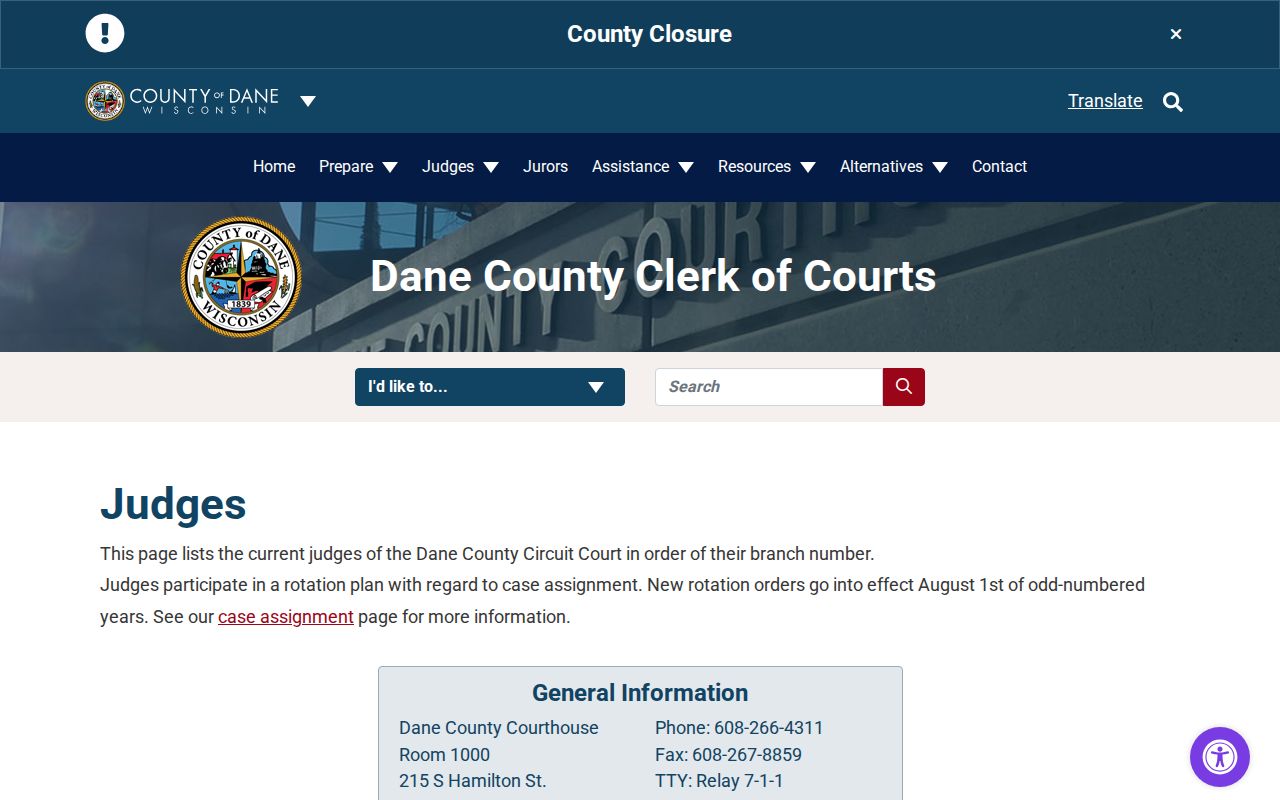
That directory is why you should match the branch number to the live listing instead of a saved contact. The case number stays the same. The room or judge can change mid-case, so a fresh lookup keeps your Dane County court docket accurate.
Finding Your Court Date
A case number is the best starting point. Searching by party name alone can pull up several people. It can even draw in a whole class of cases. On WCCA, pick Dane County and open the right result. Then read the newest event entries on the docket. From there, match the event to the branch or commissioner calendar that covers it. Write down the date, the start time, and the room. Add the judge or commissioner, the event label, and any status or remote-hearing note.
- Find the correct Dane County case in WCCA.
- Read the latest scheduled event and current status.
- Identify the branch, judge, or commissioner.
- Check the matching official weekly calendar.
- Compare the result with the court's written notice.
- Call the branch or clerk if any key detail conflicts.
If the online docket search comes up empty, go straight to the Dane County Clerk of Courts. The official contact directory covers the clerk and the Record Center. It also reaches branch offices, Initial Appearance Court, and Eviction Court. A public terminal at the courthouse offers one more way in. Bring the case number with you. Then staff can pull the correct court record instead of running a broad name search.
Dane County Court Calendar Rooms
The Dane County Courthouse holds 18 courtrooms plus 10 commissioner rooms. Courtroom labels range across areas from 4A to 8D, and commissioner rooms run from 2A to 2J. When a Dane County court docket entry names a commissioner, the hearing may sit in a commissioner room. It may not be in the assigned judge's courtroom. Check the notice or the clerk's office for the true location before you head over. The court facility information page also covers video, audio, media, and accessibility arrangements.
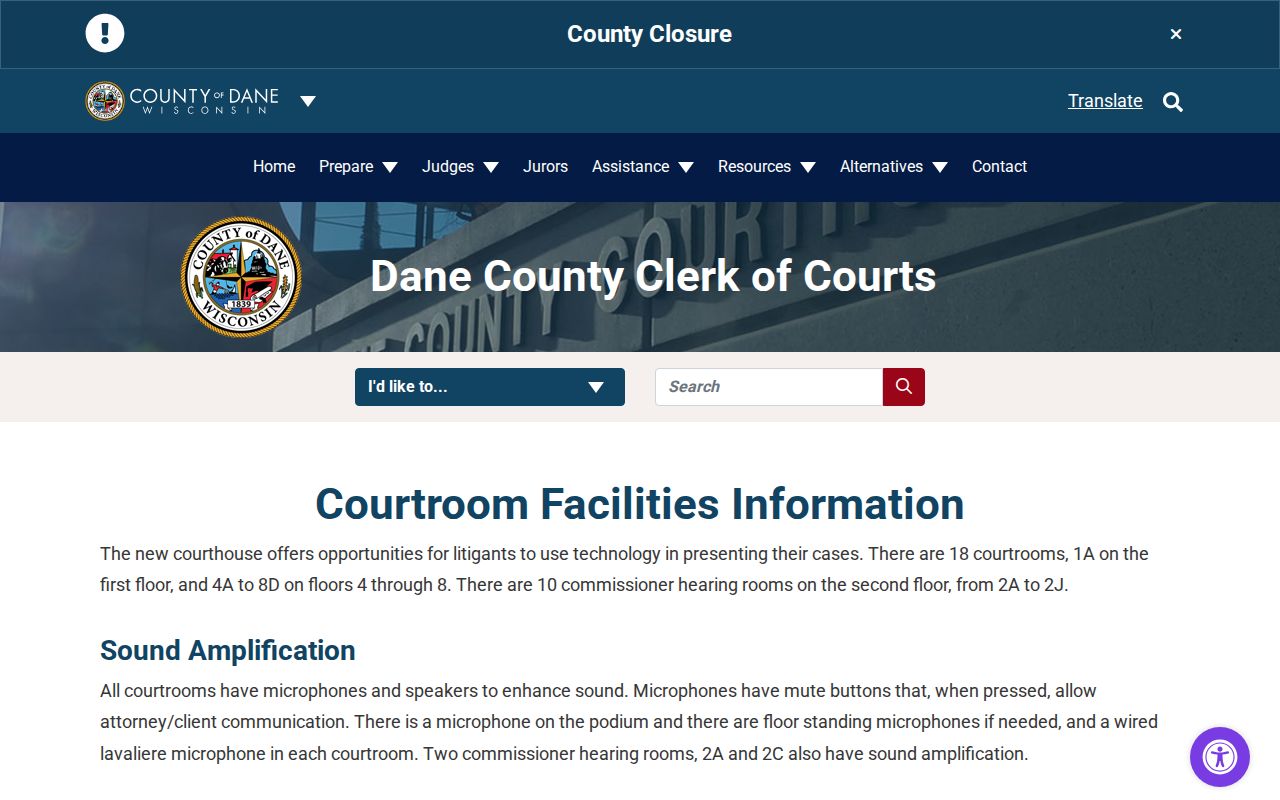
That same page explains why planning ahead helps once you know your room. Ten courtrooms and six commissioner rooms offer video capability. Capability, though, is not a promise that your event will be remote, so plan to appear unless your notice says otherwise.
How to Read a Court Setting
A setting is simply a court event on the calendar. Dane County dockets use labels like initial appearance, arraignment, status conference, pretrial, motion hearing, plea hearing, final conference, trial, sentencing, review, eviction, and commissioner hearing. Each one marks a stage or a purpose. A future date marked "Trial" is still just a planned court event, not a result.
| Event date and time | When the setting is scheduled to begin. |
|---|---|
| Branch or court | The assigned judge, commissioner, or special calendar. |
| Room | The courtroom or commissioner room, when public. |
| Event type | Initial appearance, motion, pretrial, trial, sentencing, review, or another setting. |
| Status | Scheduled, held, continued, cancelled, or another recorded state. |
| Remote detail | Livestream, Zoom, telephone, or other instruction when authorized. |
Labels never settle outcomes on their own. A hearing listed in the Dane County court docket can be continued, resolved another way, or taken off calendar entirely, so read the later entries and any signed order before drawing conclusions.
Dane County Livestream Court Calendars
Wisconsin runs a livestream directory that covers many Dane County branches. It names the commissioners and lists channels for Eviction Court and Initial Appearance Court. Streams come and go, so treat any listing as changeable. Watching a public stream is fine for observation where the court provides it. But it never gives a party permission to appear remotely. For that, follow whatever instructions the court itself sends. The directory page lays out which Dane branches stream. It also shows how each commissioner's channel is organized.
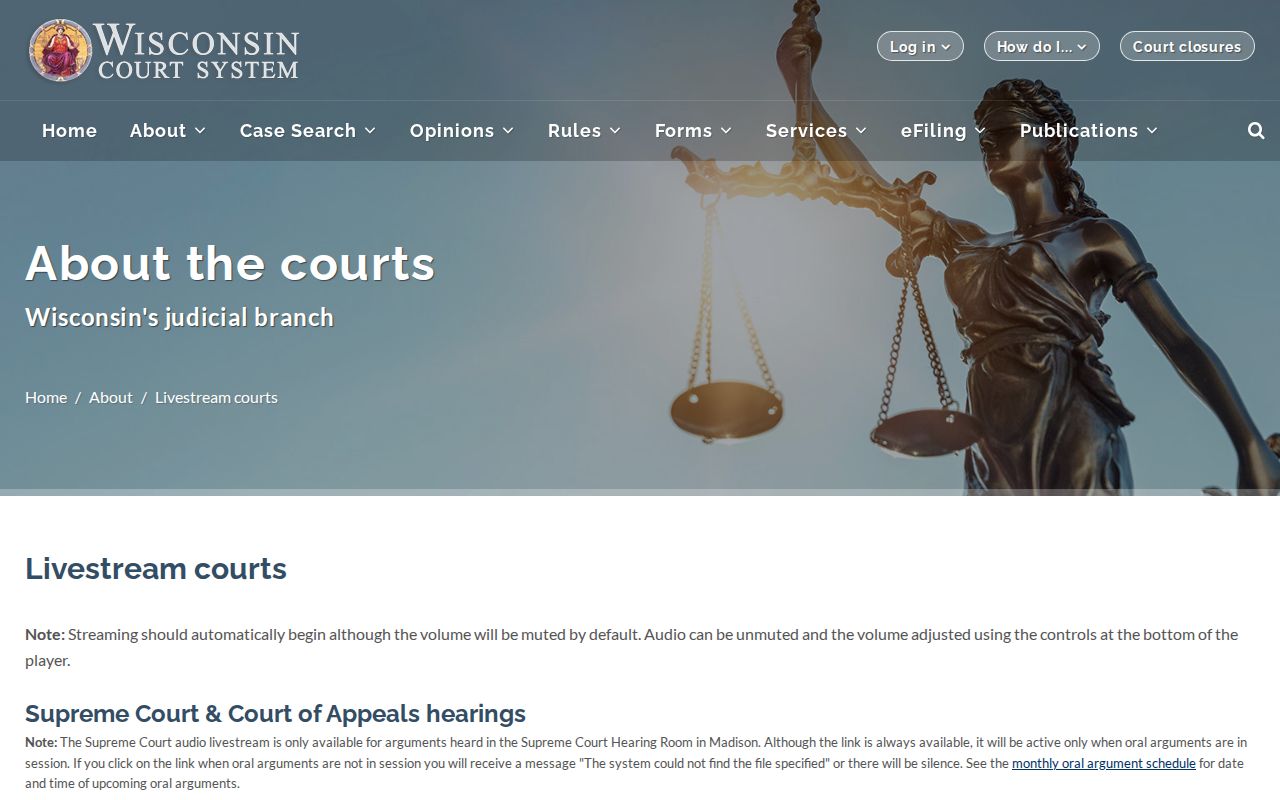
The listing makes one thing clear: Dane County court dates run across judge, commissioner, and special-court channels. Match the stream to your specific docket event. A broadcast is no substitute for the case notice, which always controls.
Continuances, Resets, and Cancellations
A continuance, sometimes called a setover, moves a court date to another day. Dane County local Rule 124 sets one requirement. An unrepresented party or attorney asking for one must try in good faith to learn where the other parties stand. Get the request in at least five working days before the hearing. Asking is not receiving. Filing the request does not grant it. The judge still decides.
Original date still controls: if the court has not issued notice of a new date, appear at the original time.
Start with the WCCA event history and look for a new entry. Then check the branch calendar and any direct notice. If the two disagree, call the assigned branch. Skip the search-engine results, the cached weekly calendar, and what another party tells you. A cancellation can wipe an event off the docket without settling anything, so read the next docket entries to see where the case stands.
Dane County Court Calendar Technology
Some Dane County court dates need more than a time and a room. Want video or audio support? The facility page asks for four working days of notice. Real-time transcription takes two working days. Nine rooms have media access windows. Overflow viewing may be an option when a hearing draws a crowd. Treat these as lead times for planning. They are not guarantees that any particular request will be approved.
Call the court early. Bring the case, the event, the branch, and the support you need. A calendar entry can stay silent about an approved accommodation or technology setup. So the docket line alone tells you little. Anyone needing accessibility help should go through the official facility and clerk contacts. Do not read the room's equipment list as a promise. One more caution: a room with video capability does not make a hearing remote.
If You Miss a Court Setting
Move fast. Check WCCA for a new event, an order, a default, a warrant, a judgment, or a rescheduled court date. Never sit back and wait for the online display to catch up. Call the assigned branch or the Dane County Clerk of Courts. Have the case number in hand. Ask what the court actually recorded. Ask what formal step, if any, remains open to you. Staff can explain procedure and records, though they cannot give legal advice.
What happens next depends on the case. A missed civil setting can end in default where the law allows it. A missed criminal or traffic date brings its own consequences. A specialty-court review may instead trigger program action. Do not assume the case was dismissed just because the old date passed. Do not assume it because no new public entry has appeared yet.
Best next step: contact the court that held the setting, confirm the present case status, and follow the court's instructions.
Dane County Closed Court Calendars
Not every Dane County hearing is fully public. Juvenile matters and sealed records carry special limits. So do family details, guardianship or commitment material, and protective-order information. A public calendar may drop a name. It may blank out details or leave out the event entirely. That gap is an access rule, not a clue about what happened in court.
Want to ask whether a public docket line or document can be released? Use the Dane Record Center. Juvenile requests need the proper JD form, identification, and a judge's review. Wisconsin's WCCA access policy explains why sensitive data goes missing online. It also shows where the limits sit. Never try to work around a restriction or guess at sealed facts.
Dane County Calendar Record Trail
A court date is just one point on the trail. After a hearing, the clerk may enter a minute record. It could be an order, a disposition, a judgment, or a new setting. WCCA can point you to that entry. The signed paper may still take a direct records request. Before contacting the Record Center, copy the case number. Add the event date and the exact description of what you need.
Dane charges $1.25 per page for copies. Certification costs $5, and a $5 name-search fee applies when no case number is given. Any request expected to run past $5 may require prepayment under the county's cited process. Counter and mail channels both remain open. When you need official proof of a result, order a certified copy. Do not treat a calendar printout as one.